In the current landscape of 2026, Meta’s AI enforcement has reached an unprecedented level of autonomy. For global advertisers, a red “Account Restricted” status is no longer just an inconvenience—it is a sophisticated technical barrier.
At Optimal Agency, we specialize in navigating these restrictions daily. This guide moves beyond basic advice, offering a professional-grade workflow to diagnose, appeal, and ultimately prevent infrastructure shutdowns.
The 2026 Shift: Why Meta “Actually” Restricted Your Account
To resolve a restriction, you must look past the generic “Policy Violation” message. Meta’s 2026 algorithm now utilizes Behavioral Pattern Recognition and Digital Fingerprinting.
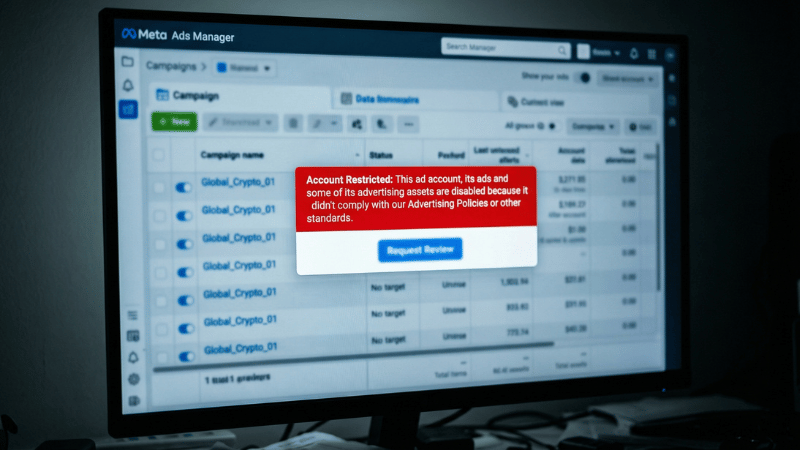
- Environmental Linkage: If your local IP, browser cookies, or hardware ID (MAC address) has ever been associated with a banned account, Meta’s “Association Crawler” will flag any new assets you attempt to use.
- Latency in Appeal Signals: In 2026, a fast, generic appeal is often viewed as “Bot behavior.” Meta’s system looks for human-like auditing behavior—spending time on the Account Quality page before submitting a request.
- Unapproved Business Verticals: For niches like Crypto, Gambling, or high-risk Dropshipping, Meta now requires “Pre-emptive Whitelisting” at the Business Manager level. Without this, your ads are flagged by Computer Vision before they even reach a human reviewer.
A Professional Workflow for Account Restoration
If your assets are restricted, do not rush the process. Follow this technical recovery sequence used by top-tier agencies:
Step 1: Perform a Clean-Environment Audit
- Before accessing Account Quality, ensure your environment is “sterile.” Use an anti-detect browser with a fresh, dedicated proxy (Residential or Mobile IP). If Meta detects you are accessing a restricted account from the same environment where it was banned, your appeal will likely be rejected instantly by an automated filter.
Step 2: The “Technical” Appeal Submission
Avoid emotional or simple pleas. Your appeal should be a technical justification.
- Expert Insight: Reference specific sections of the 2026 Meta Advertising Standards. For example: “We have reviewed our Landing Page’s metadata and adjusted our tracking parameters to ensure full compliance with the updated Circumventing Systems policy.” This proves to the algorithm that an expert—not an AI—is handling the appeal.
The “Trust Score” Barrier: Why Most Appeals Fail
The hard truth of 2026 is that Meta’s AI operates on a Trust Tier system.
- Tier 3 (Personal Accounts): Highest scrutiny, lowest appeal success rate.
- Tier 2 (Standard Business Managers): Moderate trust, requires verified business documents.
- Tier 1 (Whitelisted Agency Accounts): Highest trust, direct support access, and “Halo Effect” protection.
Once a Personal Account (Tier 3) is restricted for “Policy Violations,” the chances of restoration are less than 15%. This is because Meta’s AI is designed to minimize risk by permanently disabling low-authority assets.
Moving Beyond Fragile Assets: The Agency Solution
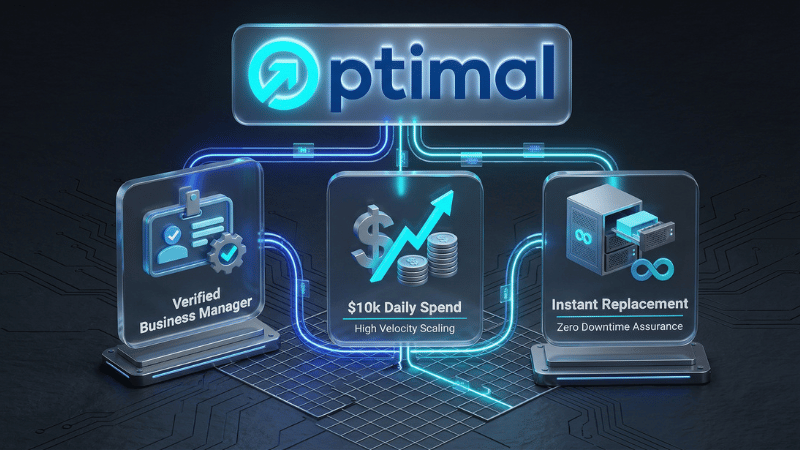
For advertisers scaling globally, relying on the appeal process is a high-risk strategy that leads to “Scaling Paralysis.” The industry standard has shifted toward Verified Agency Infrastructure.
When you Rent Facebook Ads Account assets from a partner like Optimal Agency, you are bypassing the Tier 3 scrutiny:
- Pre-Established Authority: These accounts operate under Verified Business Managers with years of clean spending history.
- Policy-Resistant Profiles: Our accounts are less susceptible to automated flagging, even in competitive or high-risk niches.
- Zero Downtime: Instead of waiting 48–72 hours for an uncertain appeal, you get an immediate asset rotation to keep your ROAS stable and your business growing.
Frequently Asked Questions
You need to perform A/B testing to monitor, measure, and evaluate the effectiveness of the ad groups you implement for your Facebook Dropship Ads campaign for a specific product. When conducting the test, you need to monitor the ad’s performance when changing variables: target audience, location, etc. Based on the detailed results report, you should choose the right ad group and increase the budget.
To accurately target an audience for your Facebook Dropshipping campaign, you should thoroughly research your product and your potential customer base. Based on the researched customer characteristics and the audience the product targets, you can determine the accurate target audience. You can also run test ads and set up a Pixel to track, which helps you get more data when targeting your Dropshipping ads on Facebook.


