The ability to contact the Facebook Ads team email for emergency issues has become a critical skill for every business. When an account is suspended, a campaign stops distributing, or conversion data is skewed, every minute that passes can directly damage revenue. Therefore, the process of reporting, fully preparing information, and using the correct contact channel helps shorten the processing waiting time. This article will not only explain how to contact the Facebook Ads team email for emergency issues but also analyze how Facebook categorizes severity, what documents to provide, and the secret to increasing the chance of a quick response. This is a vital foundation for businesses to maintain seamless operations even in high-risk situations.
Facebook’s response process for handling emergency issues
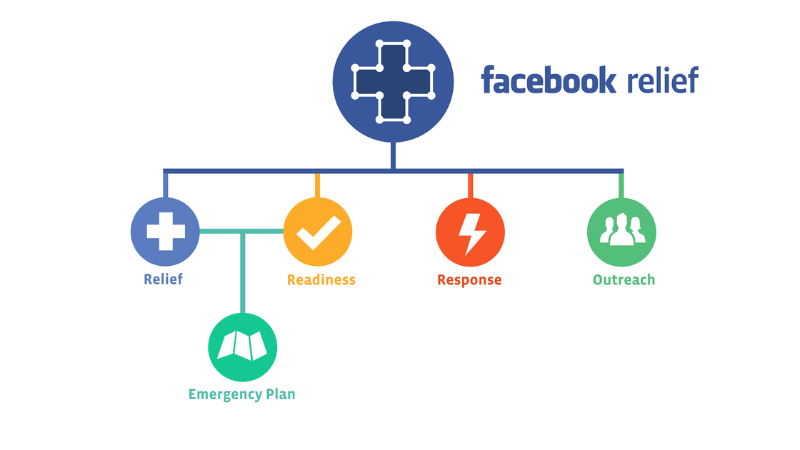
When a serious disruption occurs in Facebook ad operations, businesses often expect Facebook to have a fast and clear handling mechanism.
Classification and prioritization of issue severity
Facebook establishes priority levels based on the direct impact on business operations.
An issue is considered severe when ads are not distributing, an account is incorrectly disabled, conversion events are not being recorded, or the system mistakenly flags a policy violation at the scale of an active campaign.
If the problem affects multiple accounts or campaigns simultaneously, the request tends to be escalated to the quick response team.
Conversely, issues that are personal or have a low impact level are usually handled later.
The level of detail when describing the issue also helps Facebook accurately assess the severity, thereby shortening the processing queue time.
Average response time
Typically, the first response from the support team is sent within a few hours to one business day, depending on the region and time of day.
However, cases requiring deep verification related to security, identity systems, or event data may take longer.
Requests lacking content, without evidence, or with vague descriptions are often placed in the slower queue.
Additionally, peak periods such as shopping seasons, new feature launches, or times when the platform experiences technical fluctuations can also prolong the process.
The key is to provide clear data from the start to limit the need for supplementation or re-confirmation.
Documents Facebook requires for emergency verification
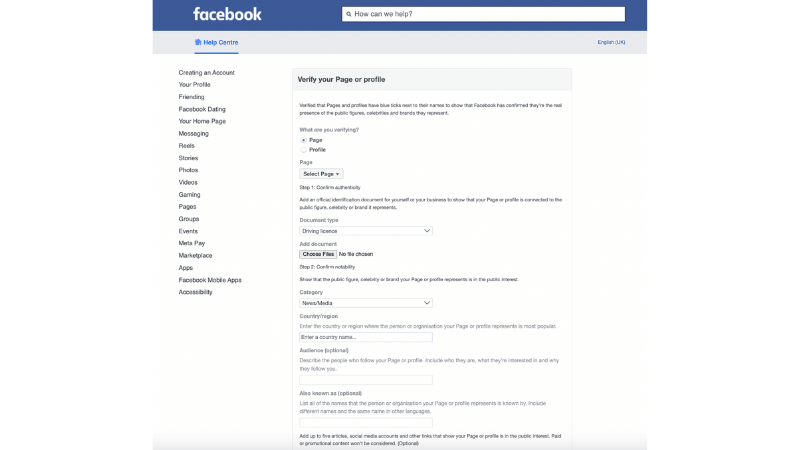
To determine the validity of an emergency report, Facebook often requires evidence from the account interface, such as screenshots of error notifications, error codes, distribution logs, unrecorded conversion data, or information related to interrupted payment.
In cases where the account is suspended or feature-limited, users need to provide additional identity verification documents or business documents.
Large-scale campaigns may be asked to supplement with reports on revenue or conversion impact.
Having these documents ready helps the request be verified quickly, minimizing the risk of prolonged processing time and increasing the likelihood of being transferred to the specialized support team.
Many accounts fail to provide the business identifier code, campaign ID, or do not attach screenshot data with a timestamp.
These omissions push the request to the supplemental review team, extending the response time. Providing complete data from the outset ensures the processing is faster and more accurate.
Support email system for special circumstances on Facebook ads
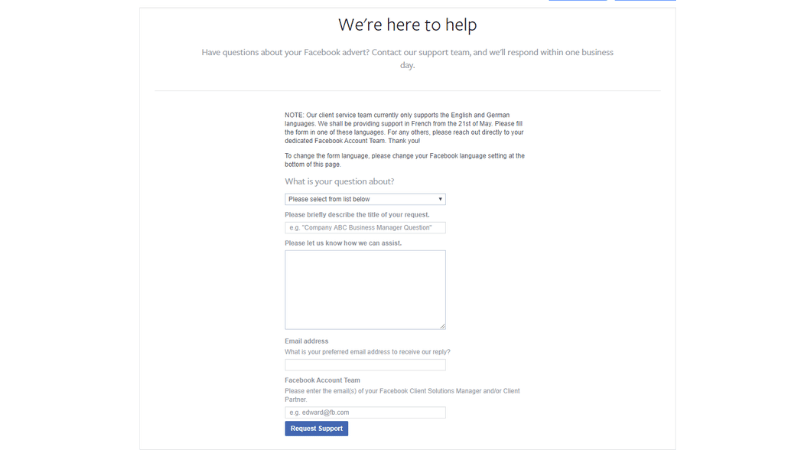
When an advertising issue occurs at a high-impact level and requires immediate resolution, understanding how the email support system works will help advertisers accelerate the response speed and minimize the risk of interruption.
The email support structure of Facebook is layered by issue type because each problem group has different reception procedures and priority criteria.
Support by specific advertising-related issue groups
Facebook sets up multiple internal email groups, each handling a specific area such as account access loss, distribution errors, payment issues, or policy misflagging. This grouping helps the team control information better while shortening the transition time between departments.
Errors related to gambling ads, sensitive finance, and Community Standards violations are all categorized by Facebook as high-risk. Therefore, most initial responses are handled by an automated system, leading to ad rejection, distribution limitations, or account suspension within seconds.
Facebook primarily supports through chat or forms, but you can use appeal emails such as [email protected], [email protected] (for financial issues), or [email protected].
The key is to accurately describe the focus of the issue, attach sufficient evidence, and state the level of urgency. When the email is sent to the correct specialized group, the likelihood of a response is higher because the specialist has reference data and accurate assessment standards available, reducing the situation where the request is returned or requires multiple information supplements.
Automated support vs. specialist support
Facebook’s email support system operates using a combined model of automated and manual processing.
Common errors, such as ad rejection due to image or content identification, are often given an automated response first, the purpose of which is to help users receive basic guidance immediately.
However, when the issue involves loss of digital assets, policy-misclassification limitations, unusual distribution fluctuations, or suspected account compromise, the request is transferred to a real specialist for deeper assessment.
The boundary between these two forms depends on the level of risk and the impact on the advertising ecosystem. Clearly describing the situation, attaching the campaign ID, and change logs will help the request be transferred to a specialist faster, avoiding being placed in the automated response group.
Cases directed to the internal technical team
Some issues with a high level of severity are transferred directly to Facebook’s internal technical team. These cases usually include:
- Infrastructure errors are causing ads not to distribute even though the account is perfectly normal.
- Issues related to widespread skewed conversion metrics.
- Loss of critical data in the Ads Manager.
- The system is mistakenly flagging the account as having a security risk.
When the error originates from the platform’s side, the support specialist will skip the temporary handling phase and send the request directly to the technical team to check the server, distribution configuration, or event logging system.
The advertiser needs to provide a video recording of the error, the specific error code, and the time the issue started. This data helps the technical team identify the cause faster and propose appropriate solutions. Understanding this mechanism helps advertisers be more proactive when submitting requests and significantly shortens the waiting time for processing.
Prepare a contingency plan when issues persist
When an advertising issue persists and contacting the Facebook team has not yielded a timely response, the business is forced to have a contingency plan to maintain operations. The goal of this phase is to keep the system operating as stably as possible, limit data loss, and preserve profit.
Set up a temporary campaign set
A temporary campaign set helps retain the majority of traffic and sales. The business can switch to another verified ad account or use complementary channels like Google, TikTok, or organic traffic sources.
The temporary campaign should be simple, have a moderate budget, and focus on high-quality user groups who have previously engaged. This helps maintain a minimum revenue level and avoids the audience pool losing momentum while waiting for a resolution. When the main account is restored, the conversion flow remains strong enough to return to a stable operating rhythm.
Preserve ad data while awaiting processing
Data is the foundation for evaluating effectiveness and re-deployment after an incident, so data preservation must be done immediately. The business needs to export all reports related to the campaign, distribution history, audience files, and conversion signals.
At the same time, data needs to be stored separately by day to easily detect discrepancies when the issue ends. For measurement events like Pixel and Conversion API, ensure the system continues to send stable signals to the server so as not to lose data during the account suspension. This is a crucial step to quickly recover performance when running again.
Delegate responsibilities within the team to avoid operational disruption
An advertising issue can lead to chaos if the team does not clearly divide tasks. The business needs to delegate one person to specialize in contacting support, one person to monitor daily data, and one person to be responsible for deploying the temporary campaign.
Clear delegation helps avoid overlooking abnormal signals or slow responses to changes from Facebook’s side. When each individual is responsible for a certain part of the work, the entire system maintains stability throughout the waiting period, and when the main account is reopened, the recovery process is significantly shortened.
Frequently Asked Questions
No, because Facebook records all requests by account ID and automatically groups requests with duplicate content into a single processing thread. Sending multiple times can cause the system to flag you as spamming the help center, thereby increasing the processing time or pushing the request to the supplemental review group. The best way is to send only one request with complete evidence, then update with additional important information if available.
Typically, businesses should activate the contingency plan after 6 to 12 hours if the account is in a state where it cannot run ads and has a direct impact on revenue. Waiting too long causes the user base to lose its “hotness” and interrupts the conversion rhythm.


