Bypassing a Facebook checkpoint is a major challenge for advertisers in 2026. With Meta’s security AI becoming more aggressive, a single wrong move during the verification process can lead to a permanent account ban.
In this comprehensive guide, Optimal Agency will show you the exact steps to recover your account and how to prevent future checkpoints using professional infrastructure.
What is a Facebook Checkpoint and Why Does it Happen?
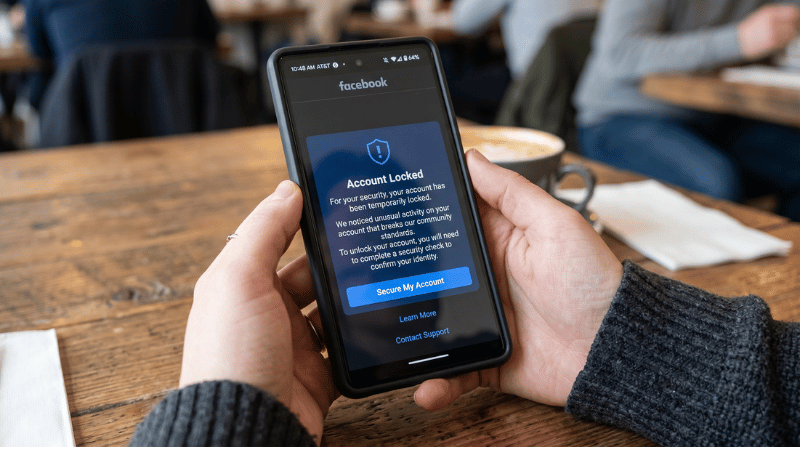
A Facebook checkpoint is a security gate triggered when Meta’s AI detects “unusual activity.” In 2026, the most common triggers are:
- IP Inconsistency: Switching between VPNs or logging in from a new country.
- Device Fingerprinting: Meta recognizes that your device has been linked to previously banned accounts.
- High-Risk Behavior: Rapidly changing passwords or launching massive ad campaigns on a “cold” profile.
Understanding Different Types of Checkpoints (2026 Edition)
Before attempting to unlock, identify your specific situation using this quick reference table:
| Checkpoint Type | Level of Difficulty | Primary Recovery Method |
| Login Approval | Easy | Use a previously recognized device/browser. |
| Email/SMS Code | Medium | Receive a 6-digit code via linked contact info. |
| Identity Confirmation | Hard | Upload a high-resolution Photo ID (Passport/License). |
| Photo Review | Hard | Identify tagged friends in photos. |
| Third-Party 2FA | Extreme | Use Google Authenticator or Recovery Codes. |
5 Steps to Unlock Your Facebook Account Safely
When you log into your Facebook account from a device you’ve never used before, your account may go through an authentication check because Facebook detects you’re logging in from an unfamiliar IP address. This is a common problem for Facebook users. Below are 5 steps to safely unlock your Facebook account. Let’s find out!
Step 1: Stop and Stabilize Your Connection
Do not try to log in repeatedly. First, ensure you are using a static residential proxy or a clean 4G/5G mobile connection. Meta trusts mobile data significantly more than shared Wi-Fi or cheap VPNs.
Step 2: Use the “Trusted Device” Bypass
Always initiate the recovery process from the smartphone or laptop where the account was last active. Meta’s local cookies can often help bypass identity checks automatically.
Step 3: Preparing High-Quality Identity Documents
If Meta asks for an ID, do not use a scanned copy. Take a live photo of your ID:
- Place the ID on a dark, flat surface.
- Ensure all four corners of the ID are visible.
- Avoid camera flash to prevent glare on the text.
Step 4: The 24-Hour “Cool Down” Period
If your first appeal is rejected, stop immediately. Do not submit again for at least 24-48 hours. Meta’s AI “cools down” its suspicion level over time, increasing your chances of success on the second attempt.
Step 5: Clearing Browser Fingerprints
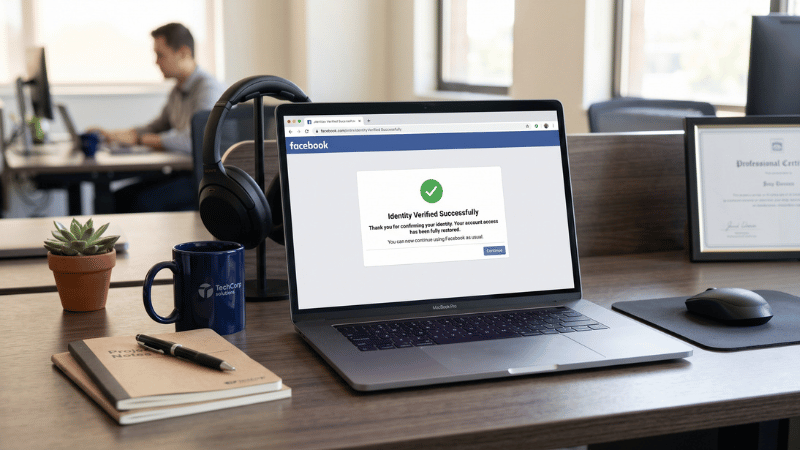
Before logging back in after a successful unlock, clear your browser cache and cookies, or better yet, use an anti-detect browser like AdsPower or Dolphin{anty} to create a fresh environment.
Pro-Tips: How to Avoid Checkpoints Forever
The best way to deal with checkpoints is to never get them in the first place. Professional agencies use these strategies:
- 2FA is Mandatory: Never run ads without Two-Factor Authentication enabled.
- Avoid Personal Accounts: For serious scaling, personal profiles are too fragile.
- Use Agency Infrastructure: This is the “Gold Standard” for 2026.
🚀 Tired of losing accounts right before a big launch?
Don’t let a “Checkpoint” kill your ROI. At Optimal Agency, we provide Premium Facebook Agency Accounts that are pre-verified and “whitelisted” to bypass most security checks. Scale with confiden
FAQ
If not cleared, it can last indefinitely. However, the review process for ID uploads usually takes 24 to 72 hours.
A: No. In 2026, Meta’s AI can detect pixel inconsistencies and metadata in forged photos. Using a fake ID will result in a permanent “disabled” statu
A: This is usually due to “IP Poisoning.” If your IP address is blacklisted, Meta will re-lock the account as soon as you log in.


